
Our journey
This page tracks our progress and is where we’ll share all and any upgrades and glitches with you. New Roads is on a journey and will always evolve, hopefully with your help. If you have any recommendations, we’d love to hear them. Please drop us a note in the form below and we’ll take it onboard. Thank you.
Your Feedback
22.01.26
Creating New Roads came from a simple need: ‘How can we create road trips easier and faster for everyone giving them access to the best roads to drive.’
With the invention of AI combined with our knowledge of planning road trips, the answer, it seemed, was a simple idea in principle: Build an AI powered, hyper-personalised road trip planner, web-based, low cost focusses on driving not just getting from A to B on the fastest route.
As those who have followed our journey will know, it turns out not to be that simple.
But we’re here now and officially on the 22nd January 2026. We are all super excited for you all to get your hands on New Roads and take it for a spin and see where it takes you.
This release is Gen1.0. It’s our first model to market and works just as we envisioned but there are already builds we are actioning to get to Gen1.1 through to Gen2.0 later in the year. We’ve had 37 external testers, beta test the platform and we’ve collectively tested over 25k digital miles and driven 6k actual miles.
What we learnt is there are definitely a few quirks about the platform but nothing you can’t work with, you just need to know how. That’s why we’ve published this journal to help you navigate any challenges you may have.
So let’s run through some of them…
Sign-up to a free Trial Account so you can save your trips and keep coming back to them. You’ll get 3 free trips that you can plan before you’ll need to subscribe (which you can do by clicking ‘My Subscriptions’ in the Menu).
If you’ve not used AI before then don’t worry. New Roads uses what’s called a chatbot. Imagine you are speaking directly with an old-school travel agent and they are simply trying to get to know you, your car, where you want to go and your preferences. New Roads are exactly the same. Just speak naturally to it, ask it questions and follow its lead.
Once you have planned a trip, review it in detail. If there are stops that you’d like to add or stages of the trip you’d like to remove then just go back to the chat and ask it. It’ll then be replan based on your new questions.
Sometimes it might produce what we call ‘leggy’ trips. This refers to a trip where it might go there and back rather than around in a loop. If it does this, just ask the chat to make it a loop. If that doesn’t work, take a look where else you might like to drive to make it a loop and ask it to go via that location.
New Roads uses what’s called an LLM (Large Language Model). Well it has three actually but who’s counting! This means it can search the entire internet within milliseconds. When you ask it a question or give it a prompt, a blue thinking bar will appear. Sometimes this may take a while whilst searching. Be patient with it, sometimes it can take a few seconds.
If you are on the move and/or lose WIFI connection the blue thinking bar will keep scrolling and not produce an answer. If that’s the case then refresh once you get WIFI and if it doesn’t appear when you log back in, go to ‘My Trips’ and it’ll be in there as the most recent trip. Click on it and continue your chat.
By adding your car to My Garage means the AI will know the width, length, height and, where available, the ground clearance of your car. The platform will then use this information, combined with live datasets that provide road width and traffic calming measures to check it doesn’t send you down roads that are unsuitable.
You can find details of this in each trip by clicking on the ‘Suitability Report’ tab. Note that the road width refers to the lane width in most cases. If it’s a single track road then it will inform you. Obviously we don’t have every road catalogued but we have a lot! This is something we’re continually building out this information so please check the road is suitable for you’re vehicle before you drive it.
Matching a trip the first time around to the duration you want to drive, sometimes falls short. If it does this then keep going back to the chat and ask it to add another location or pitstop. Keep doing this till you have the right length of drive.
B-roads in the UK. Sometimes the AI won’t route you down a B-road if it thinks its too tight for your car or the road surface is unsuitable. This is great to protect our cars but sometimes the roads are fine but there isn’t enough information about the road, so it will avoid it. This is something we’re working on for Gen2.0 so again please check the road is suitable for you’re vehicle before you drive it.
Check address accuracy. The way an LLM works is it takes a copy of the internet at a moment in time and then uses this as its ‘closed dataset’. This means if somewhere has opened up after that moment in time, the address it provides might be wrong. Its always a good idea to double check the address before you set off. If it is wrong, then just paste the correct address in the chat and it’ll re-route your trip.
Sharing Google Maps route with friends. You’ll find your links to help you navigate in the ‘Google Maps’ tab on your trip. To share, first click the link which takes you to Google Maps. Then share it from here by clicking the share icon. You can share via WhatsApp, email, SMS or many other ways.
Driving with a multi-stop Google Maps link. If you’ve never done this before then it takes a while to get used to. First make sure you have announcements volume turned on and up. After you’ve started your journey and you reach the first marker it’ll tell you you’ve arrived and check that you want to continue. You must click ‘Continue’ or it will just stop and trying to get it back is annoying. It’s a Google Maps quirk not a New Roads quirk. If you do need to get it back for any reason then simply re-click the link and then delete any stopping points you’ve already done and add ‘Current location’ to the closest stop. Then you’re good to go.
When selecting a hotel double check it has parking. The current Expedia plug-in that sources the hotels for you can’t return suggestions based on whether or not they have parking. Please double check before you book.
For Gen1.0 we have only launched in the UK, France, Italy, Spain, Germany, Switzerland and Belgium. Now you can plan road trips in other countries but it won’t have all the additional levels of cleverness plugged in yet. Again this is something we’ve planned for later this year but just so you know.
The AI will know seasonal closures of roads and latest road traffic alerts. If the road is closed today then it won’t route you on that journey to make sure you don’t end up getting stuck. If you want to plan a trip to use this road when it is open, then tell the AI the dates you want to travel so it’ll plan the route you want to do. At the time of writing this there is a landslip on the infamous Kirkstone Pass. As such the AI will not let you travel on that first section. Better that than turning up and having to re-route!
16.02.26
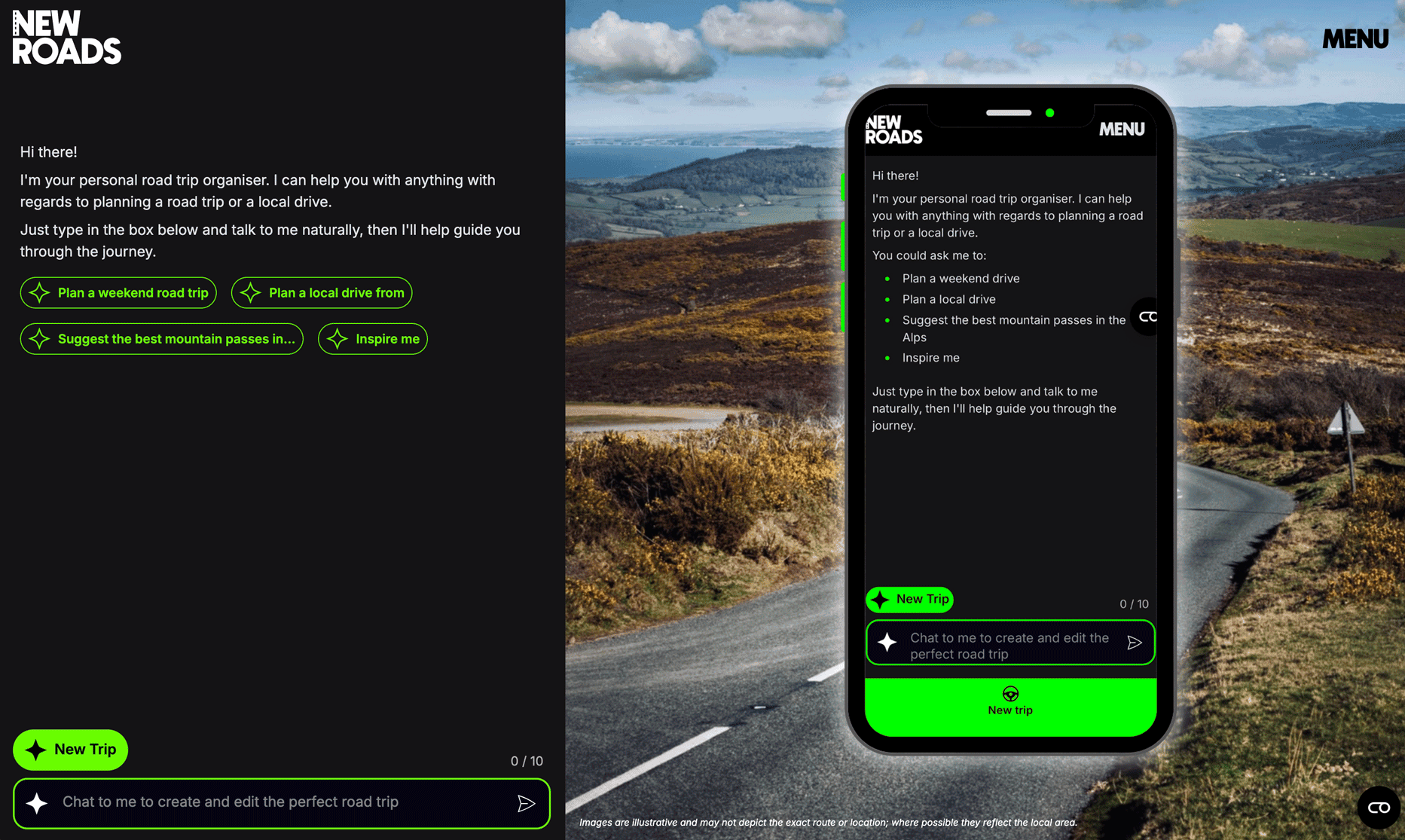
Prompt starters have been added to aid first time users. We realised in testing we’d briefed all users so they knew how it all worked. Several new users post launched suggested this would be a good idea so we added them. Thank you guys for a great suggestion!
Error postcode return. We discovered that by writing a postcode as one word E.G. AB13XY) the AI couldn’t determine its real world location. As a result, this has now been updated.
Limited image return. An old schema in the code meant that it would return limited images per trip from our vast image database. This has been rectified.
European petrol feed wasn’t coming through on the inspiration guides. This was due to an API issue and has now been updated.
Lost trip. A customer contacted us at 17:38 on the 2.2.26 letting us know that a 4 day trip had disappeared from their account. We looked into it and found an old schema code effecting the itinerary return. The trip was retrieved and fully re-instated into the users account by 19:35 on the same day.
Blank trip card kept feeding through from a customer last planned drive. Code rewritten and uploaded to fix error.